Email Aliases for Your Own Domain Explained
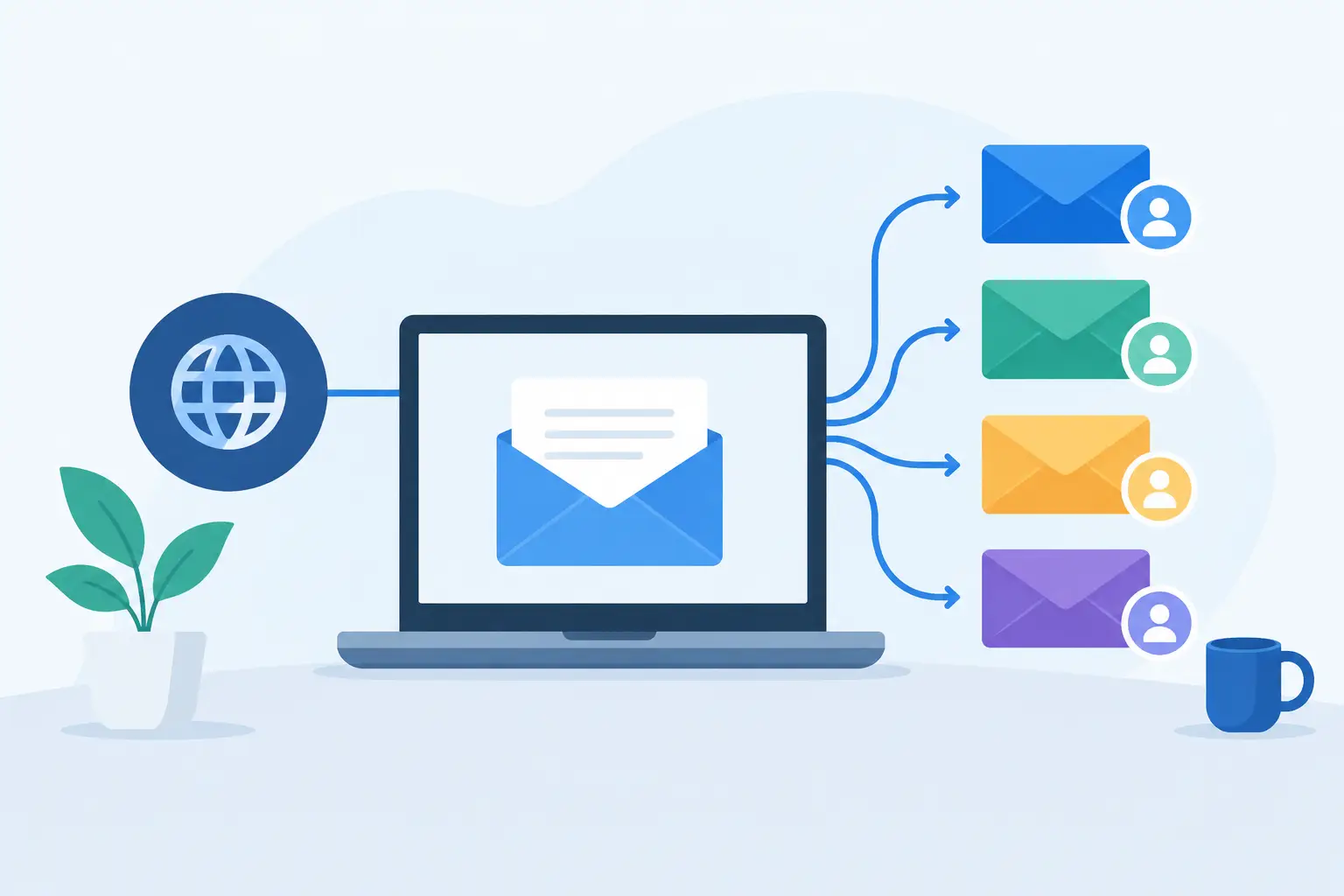
A custom domain is most useful when you stop treating your email address as a single permanent inbox. Email aliases own domain setups let you create a distinct address for a client, a family member, a store receipt, or a new project, while still delivering mail wherever it needs to go. That is useful because addresses accumulate. Your inbox should not have to become the filing cabinet for every role you have ever held.
The practical appeal is simple: create more addresses without buying more people. The operational value is bigger. A well-organized alias setup makes it easier to protect your primary address, identify where unwanted mail originated, hand off responsibilities, and retire an old project without changing everything else.
How Email Aliases on Your Own Domain Work
An email alias is an additional address that delivers to an existing mailbox. If your mailbox is `alex@yourdomain.com`, you might create `billing@yourdomain.com`, `hello@yourdomain.com`, and `alex.shopping@yourdomain.com` as aliases. Messages sent to those addresses arrive in Alex's inbox unless you configure different delivery rules.
An alias is not normally a separate login or a separate mailbox with its own storage. That distinction matters. A mailbox belongs to a person or role that needs its own inbox, password, and permissions. An alias is an address attached to that mailbox. If two people need independent access to `support@yourdomain.com`, use a shared mailbox or a routing arrangement that fits your provider. Do not assume an alias solves access control.
Aliases also differ from forwarding. Forwarding sends a copy or redirects a message to another destination, often outside your domain. An alias receives mail as part of the destination mailbox. For most personal and small-team use, aliases are simpler to manage because the mail remains in the same account and works naturally with folders, filters, search, and retention.
You can usually send from an alias too, but verify that your provider supports it and that the sending identity is configured correctly. Receiving at `invoices@yourdomain.com` but replying as your personal address defeats much of the point.
The Best Uses for Email Aliases on Your Own Domain
The strongest alias setups reflect real responsibilities, not clever naming for its own sake. Start with the addresses other people or systems need to use, then add disposable or purpose-specific addresses where they reduce confusion.
Separate public addresses from your personal inbox
Use `hello@`, `contact@`, or `press@` on a website instead of publishing a personal name. Behind the scenes, each can deliver to one mailbox. If your work changes hands later, you can redirect the alias without changing the public address printed on business cards, documents, or old web pages.
This is also useful for consultants and small operators who wear several hats. `projects@` can be for active client work, while `accounts@` receives vendor notices and `legal@` handles formal correspondence. They may all reach the same person today. They do not have to remain that way forever.
Give every family member a stable address
Families often outgrow a single shared inbox quickly. Individual mailboxes make sense when each person needs privacy and their own login. Aliases add flexibility around that structure: `parents@` can deliver to two adults, `school@` can go to the parent who handles school notices, and `travel@` can reach whoever is coordinating a trip.
A family domain also avoids tying a child's long-term address to a school, an internet provider, or a free service that may not suit them later. The address stays with the family as long as the domain is renewed.
Identify who sold or exposed an address
Create a separate alias for services that matter: `banking@yourdomain.com`, `health@yourdomain.com`, `receipts@yourdomain.com`, or an address named for a specific vendor. If a message goes to `store-name@yourdomain.com`, you have a clear clue about where that address was used.
This is not a magic anti-spam system. Companies can share data, lists can be scraped, and messages can be sent to guessed addresses. But unique addresses make the source of a problem easier to see. When an alias becomes noisy, disable it or filter it without disrupting your primary address.
Keep projects separate without paying per seat
A new product, community, event, or side business often needs a credible public address before it needs a new employee. `team@projectdomain.com`, `partners@`, and `events@` can all deliver to the founder's existing mailbox at first.
That is where providers with per-user pricing create a needless decision. You should be able to create an address for a purpose without calculating whether it justifies another monthly seat. At FranklyMail, the flat annual service includes unlimited aliases, mailboxes, and domains, so the address structure can match the work rather than a pricing tier.
Preserve continuity when roles change
Role addresses outlast people. A message sent to `treasurer@association.org` should reach the current treasurer, not disappear because the former volunteer left. The same applies to `orders@`, `office@`, and `admin@` for small businesses.
Use a role alias whenever the address represents a function rather than a person. When the responsibility changes, update delivery. The outside world keeps using the same address, and no one has to hunt through old records to find a replacement contact.
Build a Naming System Before You Create Dozens
Aliases are cheap. Disorder is not. A few naming rules prevent a domain from becoming a pile of mystery addresses that nobody wants to remove.
Use plain, predictable names for public roles, such as `support@`, `billing@`, and `privacy@`. Reserve personal aliases for people, and use a consistent format for vendor-specific addresses, such as `vendorname@yourdomain.com` or `vendor.vendorname@yourdomain.com`. Pick one style and keep it.
Avoid making every alias permanent. Project addresses should have an owner and a reason to exist. If `conference2024@` no longer receives useful mail, archive or disable it. The goal is not maximum address count. The goal is an address system you can understand a year from now.
For a small organization, keep a short internal record of each shared or role-based address: what it is for, where it delivers, who owns it, and whether it is public. This does not need enterprise governance software. A simple document is enough, and it prevents a surprising amount of mail-routing confusion.
Aliases, Catch-All Addresses, and Plus Addressing
These features are related, but they solve different problems.
A catch-all address accepts mail sent to any otherwise nonexistent address on your domain. It is convenient when you want to invent an address at signup time without creating it first. It also means typos, guessed addresses, and spam aimed at random names can land in your inbox. For a quiet personal domain, that may be an acceptable trade-off. For a public business domain, it can create unnecessary noise.
Plus addressing uses a suffix such as `alex+receipts@yourdomain.com`. Some services support it and some reject it. It is quick, but it exposes the underlying mailbox name and may be less tidy for long-term organization. Dedicated aliases give you more control and can be turned off individually.
For important services, create explicit aliases. Use catch-all delivery only if you understand the extra mail it can attract. Think of a catch-all as a convenience feature, not a substitute for intentional address management.
Deliverability and Security Still Apply
An alias does not bypass normal email rules. Your domain still needs correctly configured MX records to receive mail, plus SPF, DKIM, and DMARC records to establish reliable sending identity. These records do not make every message deliver, but they reduce the chance that legitimate mail from your domain looks suspicious to receiving providers.
If you send from several aliases, keep your sending behavior ordinary. Transactional replies, client correspondence, and small-group communication are normal email use. Mass newsletters and promotional blasts are a separate operational category with different tooling, reputation risks, and compliance requirements. They should not be pushed through a personal or business mailbox just because an alias exists.
Protect the mailbox behind your aliases as carefully as the primary address. Use two-factor authentication, unique passwords, and app passwords for older mail clients where available. If someone gains access to the destination mailbox, every alias connected to it becomes exposed too.
When an Alias Is the Wrong Tool
Use a separate mailbox when a person needs their own login, private storage, independent filtering, or a clean offboarding path. Use a group mailbox or deliberate forwarding arrangement when several people must handle the same queue. Use a separate domain when the brand, legal entity, or reputation boundary is genuinely distinct.
Aliases are inexpensive because they share infrastructure with an existing mailbox. That is their strength, and also their limit. They are address management, not a replacement for permissions, staffing, or customer support processes.
Set up aliases around real responsibilities, keep the naming consistent, and remove addresses that no longer have a job. Your domain then becomes what it should be: an address you control, not a billing meter that rises every time you need one more inbox.