Email Aliases Versus Mailboxes Explained
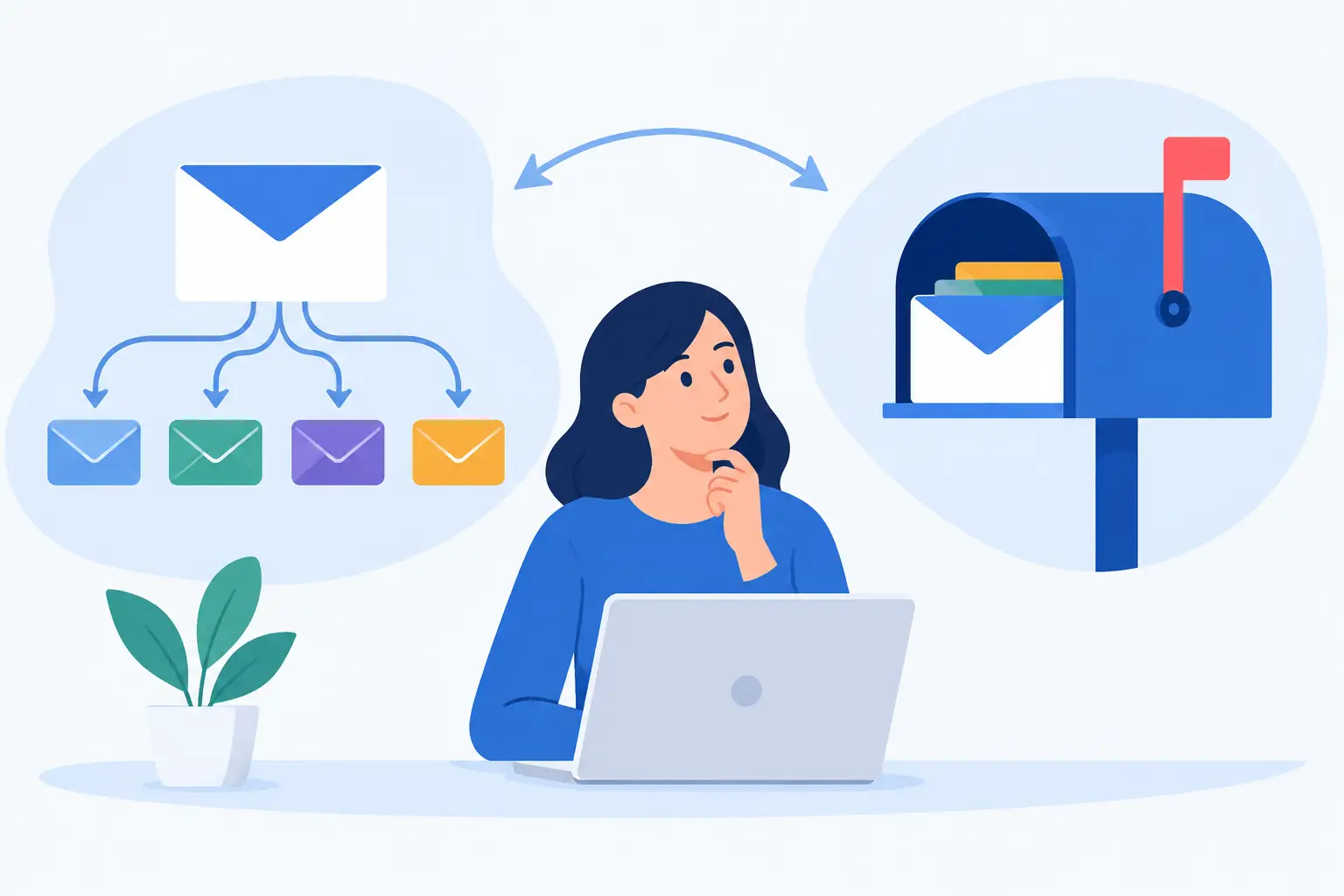
A new address does not always need a new inbox. That is the practical difference behind email aliases versus mailboxes: one gives an existing person another way to receive mail, while the other creates a separate account with its own login, storage, and controls.
Confusing the two leads to cluttered setups, missed handoffs, and unnecessary per-user bills. Get the distinction right, and a custom domain can support every person, role, project, and public-facing address without becoming difficult to manage.
What a mailbox actually is
A mailbox is a distinct email account. It has its own credentials, inbox, folders, sent mail, storage allocation, filters, and usually its own two-factor authentication and app passwords. If `sam@yourdomain.com` is a mailbox, Sam can sign in as Sam, read and send messages, create rules, and connect an email client over IMAP or JMAP.
Think of a mailbox as a person or independent working space. It is the right choice when someone needs privacy, responsibility for their own messages, or the ability to send as an address without sharing another person’s account.
For example, a family might create separate mailboxes for each adult and older child. A small business might give each employee a mailbox. A consultant who runs two genuinely separate businesses may choose separate mailboxes if each business has its own archive, contacts, workflow, and retention needs.
A mailbox also makes offboarding cleaner. When a contractor leaves, you can suspend or retain that mailbox, preserve its message history, and decide whether to forward new messages elsewhere. You are not trying to untangle their work from somebody else’s personal inbox.
The trade-off is administration. More mailboxes mean more credentials to secure, more archives to migrate, and more places where messages can live. That is reasonable when the accounts represent different people. It is wasteful when they merely represent different names for the same person.
What an email alias is
An alias is an additional address that delivers into an existing mailbox. It does not have a separate password, separate inbox, or separate storage pool. Mail sent to `billing@yourdomain.com` can arrive in the same inbox as `sam@yourdomain.com` if billing is configured as Sam’s alias.
Depending on the provider and client setup, Sam can also send mail using the alias as the visible From address. That matters when an address is public-facing. A reply to `hello@yourdomain.com` should normally come from `hello@yourdomain.com`, not expose a personal address that recipients never contacted.
Aliases are especially useful for role addresses, alternate names, temporary projects, and address organization. One operator might use `hello@`, `invoices@`, `press@`, and `sam@` without checking four accounts. A family could route `school@familydomain.com` to a parent’s mailbox. A developer can create an address for a service signup, then remove it if it starts attracting junk mail.
An alias is not a security boundary. Anyone with access to the underlying mailbox can read the mail sent to every alias attached to it. Do not use one mailbox plus aliases when two people need confidential, independent access.
Email aliases versus mailboxes: the decision rule
Use a mailbox for a person, a separate identity that needs its own login, or a workflow that requires an independent archive. Use an alias for another address owned by the same person or delivered into the same working inbox.
That simple rule handles most cases. The edge cases are where people get stuck.
If `support@` is handled by one founder, it can be an alias. If three teammates need to work from the same support history, a shared workflow is needed. That might mean a dedicated support mailbox with carefully managed access, forwarding to individual mailboxes, or help desk software. An alias alone does not create collaborative access.
If `ceo@` is meant only as a formal public address for the same founder who uses `jordan@`, it should usually be an alias. If a new CEO will eventually inherit the address and its historical correspondence, a dedicated mailbox may be easier to preserve and transfer.
If you want `receipts@` to collect confirmations from vendors, an alias attached to the finance owner’s mailbox is usually enough. If several people need to review receipts and keep a durable shared record, a separate mailbox may be more appropriate.
Separate delivery from sending identity
An address can be useful even when it does not represent a separate inbox. That is why aliases are so effective for custom domains. They let you publish a role-based identity while keeping the actual work in the mailbox of the person responsible for it.
Still, confirm how your email host and mail client handle sending. Receiving through an alias is straightforward. Sending from an alias may require selecting the right From address in webmail or adding it correctly in a desktop client. Test it before putting the address on invoices, a website, or a business card.
Also pay attention to replies. Most clients reply to the address that received the message, but misconfigured clients can default to the primary mailbox address. A five-minute test from an outside account can prevent a public-facing address from behaving inconsistently.
Keep aliases organized before they multiply
Aliases are cheap to create and easy to forget. That is useful up to a point. A domain with dozens of unexplained addresses becomes hard to audit, especially when old projects, staff changes, and automated services accumulate.
Use names that explain the address’s job. `orders@`, `legal@`, and `events-2026@` are easier to understand than vague names that only make sense to the person who created them. Maintain a simple record of who receives each alias, whether they can send from it, and whether it is permanent or temporary.
For temporary use, set a review date. A campaign address, conference signup address, or short-term vendor alias does not need to live forever. Removing unused aliases reduces the number of public addresses that can receive junk or phishing attempts.
You should also consider whether a catch-all address fits your domain. A catch-all receives mail sent to any address that has not been explicitly created. It can protect against typos and make experimentation easy, but it also attracts messages sent to guessed addresses. For a small personal domain, that may be an acceptable trade. For a busy business domain, explicit aliases are usually cleaner.
Aliases are not forwarding addresses
The terms are often used loosely, but they describe different actions. An alias is normally another address attached to a local mailbox. A forwarding rule sends copies or redirects mail, often to another mailbox or an external provider.
Forwarding is useful during a transition, such as moving a role address from one owner to another. It can also help a team route mail to a ticketing system. But forwarding can complicate delivery, create duplicate messages, and make it less obvious where the authoritative archive lives.
Where possible, keep important business mail in the mailbox that owns the address. Then use filters or controlled forwarding for exceptions. That produces a clearer archive and fewer surprises when someone changes jobs or an external destination stops accepting mail.
Cost should not dictate a bad structure
Many business email providers charge per mailbox, which encourages awkward workarounds. Teams share passwords, pile unrelated work into one inbox, or avoid creating accounts for people who need them. None of those choices improve security or accountability.
A flat-price service changes the calculation. FranklyMail includes unlimited mailboxes and aliases under its annual base price, with storage priced separately by actual usage. That makes it reasonable to create a real mailbox whenever someone needs an independent account, rather than treating every new login as another recurring seat charge.
But unlimited does not mean unstructured. Create mailboxes because they represent distinct access and ownership. Create aliases because they make addresses more useful. The goal is not the largest possible address list. It is an email setup that still makes sense when you revisit it a year from now.
A practical setup for a small domain
Start with one mailbox per person who needs private access. Give each person aliases for their common variations, such as a full name, a short name, or a role they personally own. Add role addresses only where there is a clear recipient and a clear plan for handoff.
For a two-person company, that might mean separate mailboxes for each founder, aliases such as `hello@` and `billing@` assigned to the appropriate owner, and a dedicated mailbox only for a function that needs an independent long-term archive. For a family, it may mean individual mailboxes plus aliases for household services and school communication.
Review this structure whenever responsibilities change. Email is basic infrastructure, but it should reflect how work and ownership actually operate. Give people their own mailboxes when they need their own space. Use aliases when one person simply needs another address. That keeps the system clear without paying for artificial complexity.