Email Hosting API Automation Without Seat Creep
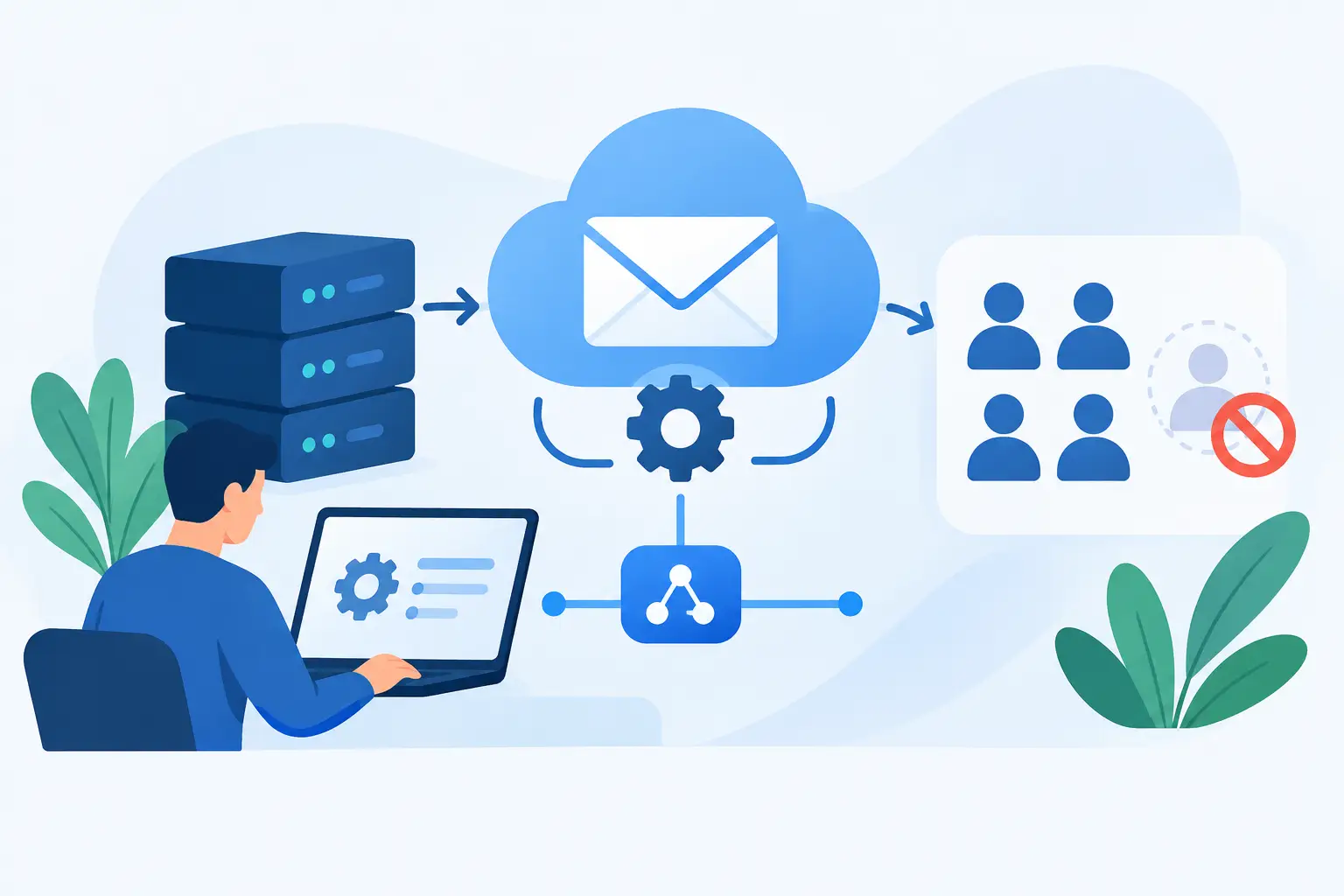
A new client domain, a new contractor, a new product name: each can create an email task that is too small for a meeting and too important to leave half-finished. Email hosting API automation turns those recurring admin jobs into repeatable workflows. Instead of opening a control panel, creating a mailbox, adding aliases, checking DNS, and documenting it in three other places, your systems can handle the predictable parts.
That matters most when email is treated as infrastructure. An address is not just an inbox. It can be a customer-facing identity, a billing contact, a project intake point, a security recovery address, or a routing layer between an old business name and a new one. If you manage several domains, manual administration eventually becomes the expensive option, even when the hosting plan itself is cheap.
What email hosting API automation should do
An email API should cover the work an administrator actually repeats: adding and removing domains, creating mailboxes, assigning aliases, configuring forwarding, managing catch-all behavior, inspecting DNS readiness, and starting or monitoring migrations. It should also make filters manageable as configuration rather than a collection of rules somebody built years ago and forgot to document.
The practical goal is not to automate every click for its own sake. It is to make the email configuration match a source of truth you already maintain. That might be an employee directory, a customer onboarding system, a project database, or a simple version-controlled configuration file. When a person is added to the directory, the email account can be created with the right name, aliases, and access policy. When a project ends, its addresses can be redirected or retired on schedule.
This approach has a useful side effect: it separates mailbox count from administrative effort. Per-seat email suites encourage administrators to think carefully before creating another address because every address can change the bill. Infrastructure-style hosting removes that friction. You can create role addresses such as billing@, press@, support@, and receipts@, or temporary addresses for a specific vendor or launch, without turning ordinary organization into a pricing decision.
That does not mean every address needs its own mailbox. A mailbox stores mail and has credentials. An alias delivers to an existing mailbox. A forwarding rule sends mail elsewhere. A catch-all receives messages sent to otherwise undefined addresses. Good automation picks the smallest tool that fits the purpose, which keeps account structure understandable later.
Start with an inventory, not an endpoint
The fastest way to create a messy automated system is to begin by writing scripts against an API. Start by listing the identities and rules you need to manage.
For each domain, identify its owner, the addresses that require separate inboxes, shared role addresses, aliases that should deliver to an existing person, external forwarding destinations, and any addresses that must remain active after a rename or migration. Also decide who can authorize changes. A developer may be able to create a project alias, while domain deletion should require a more restricted administrative credential and a review.
Then decide what is authoritative. If your HR system says a contractor has left, should the mailbox be disabled immediately, forwarded to a manager, or retained for a defined archive period? If a customer-facing product is renamed, should the old address forward forever, for a year, or return an error? These are policy decisions. The API only makes them executable.
A simple configuration record can be enough:
```text Domain: example.com Mailbox: alex@example.com Aliases: hello@example.com, invoices@example.com Forwarding: none Catch-all: disabled Retention after departure: 90 days ```
The value comes from being able to compare this intended state with the actual state. A scheduled job can report missing aliases, unexpected forwarding rules, domains without complete DNS records, or mailboxes that remain active after their planned end date. That is less glamorous than provisioning, but it prevents a surprising amount of operational drift.
Automate the moments where errors cost time
The best first workflow is usually domain onboarding. A new domain requires mail routing records and sender authentication before it should receive production mail. Your system can create the domain in the mail host, retrieve the required DNS records, place them with a supported DNS provider if you control that provider, and then check whether MX, SPF, DKIM, and DMARC are visible and valid.
Not every DNS setup can be fully automatic. Some domain owners use a registrar with limited tooling, another agency owns the zone, or a change-control process requires a human approval. In those cases, automation should produce a precise checklist rather than pretending the task is complete. The useful status is not “configured.” It is “MX detected, DKIM pending, DMARC missing,” with the records ready to copy.
Employee or contractor onboarding is another good candidate. A workflow can create a mailbox, generate or request initial credentials through an approved channel, apply aliases, and set up filters before the first message arrives. For organizations using single sign-on elsewhere, do not assume email credentials work the same way. IMAP, SMTP, webmail, and third-party clients may require app passwords or separate authentication controls. Build that distinction into the onboarding instructions instead of discovering it when someone cannot add mail to their phone.
Offboarding deserves the same care. Deleting an account immediately is simple, but it can discard business records and break password resets tied to that address. A better workflow often disables new access, preserves the mailbox for a defined period, adds forwarding only when policy permits it, and records the final disposition. The correct answer depends on legal obligations, ownership, and whether the address receives sensitive mail.
Use aliases and filters to keep mailboxes small
Many teams pay for extra users because they confuse an address with a person. API-driven alias management makes it practical to create purpose-specific addresses without multiplying inboxes. A founder might receive invoices@, legal@, and partnerships@ in one mailbox, while each address remains visible to the outside world and easy to retire later.
Filters are useful when routing rules have a clear owner. A rule can file vendor receipts, tag mail sent to a product alias, or redirect a defined category of automated notices. Sieve filtering is particularly useful because the rules are portable and operate at the mail server rather than relying on one desktop application being open.
There is a trade-off. Too many aliases and filters can become an undocumented maze. Name rules clearly, keep them in your configuration where possible, and avoid using mail forwarding as a substitute for an access policy. Forwarding can expose confidential messages to a personal address or create loops if two systems point at each other.
Treat API access like an admin key
An email administration API can create identities and change delivery paths. That makes it more sensitive than a typical read-only integration. Store credentials in a secret manager, not in a repository or a shared spreadsheet. Use separate credentials for development and production, limit who can issue destructive requests, and rotate keys when a person or system no longer needs them.
Your automation should also be idempotent. In plain terms, running the same job twice should not create two mailboxes, duplicate aliases, or overwrite a deliberate setting without warning. Before creating something, check whether it already exists and whether its current configuration matches what you expect.
Keep an audit trail outside the mail platform as well. Record who or what requested a change, when it was applied, and the prior state for material changes. This is especially helpful with domain deletion, forwarding changes, catch-all settings, and migration actions. An API reduces manual work; it does not remove the need to explain why mail stopped arriving somewhere.
Migration automation has limits
Migration is where automation saves real hours, particularly when multiple mailboxes move from a standard IMAP provider. A workflow can collect source credentials securely, map old and new addresses, start the copy, monitor progress, and flag accounts that need attention. It can also help standardize the final steps: switch MX records, keep the old provider available for a short overlap, then verify that new mail arrives in the new mailbox.
But migration is not magic. Providers that restrict password-based access may require different preparation, and large or damaged mailboxes can take longer than expected. Calendar, contacts, drive files, chat history, and other suite data are separate projects. Email hosting migration moves email. It does not turn an email provider into a replacement for every bundled workplace application.
FranklyMail's direct HTTP API is built for this kind of administrative work: managing domains and addresses without forcing a small organization into a per-user enterprise contract. The service still has boundaries. It is for normal mailbox traffic, not bulk newsletter sending. Keeping those workloads separate helps protect deliverability for everyone using the mail system.
The useful test is straightforward: if a task happens whenever a domain, person, project, or policy changes, write it down once and automate the repeatable parts. Email should not require a sales call, a seat-count spreadsheet, and an afternoon in an admin panel just to create an address that your business needs.