Email Hosting for AI Agents Without Seat Fees
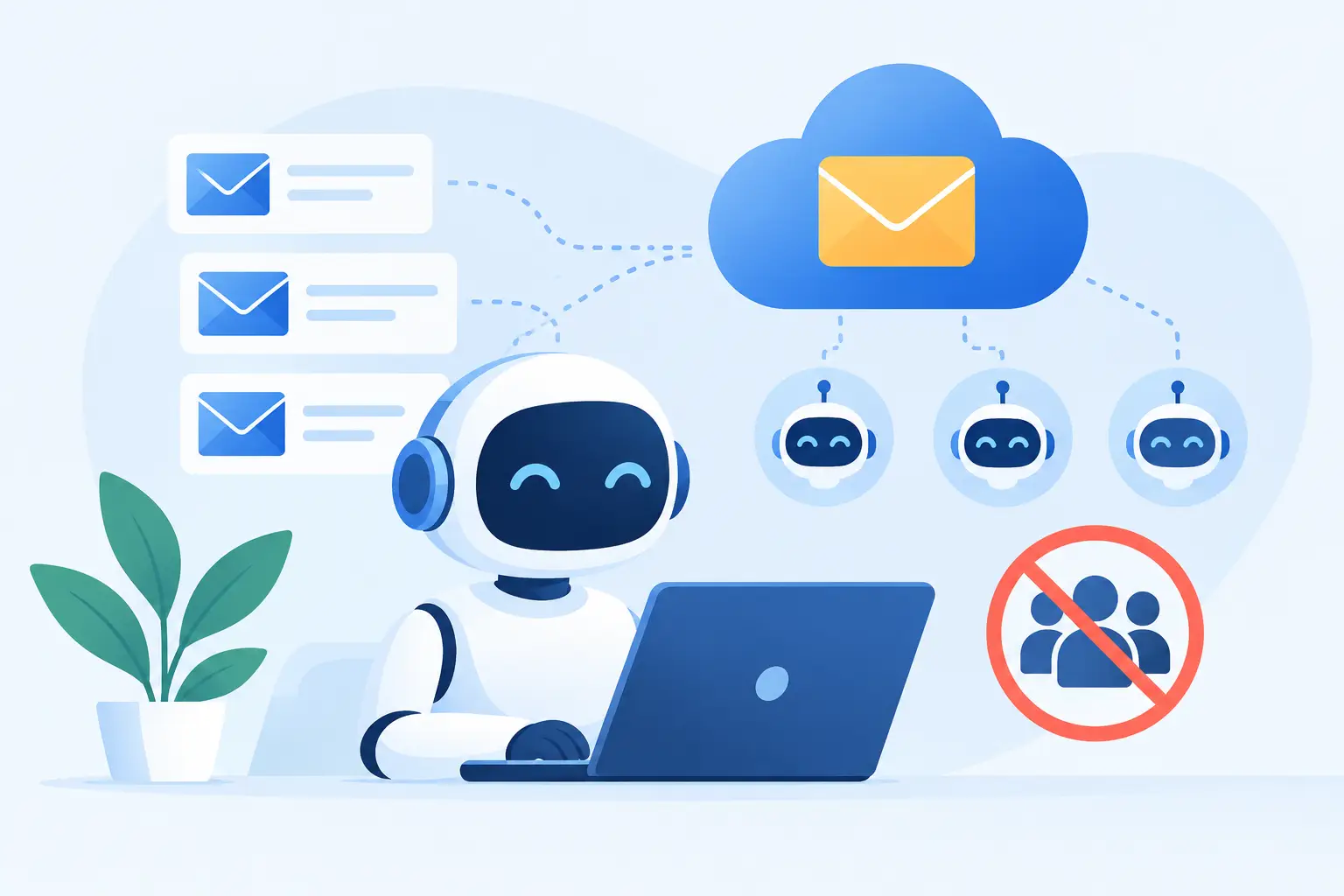
An AI agent that can read and send email is not just another user in your workspace. It is a software identity with permissions, an inbox, a history, and a real chance of causing trouble if you set it up carelessly. Email hosting for AI agents needs to treat that identity as infrastructure, not as a $12-per-month seat attached to an enterprise suite.
That distinction matters once you have more than one agent. A support triage agent, an invoice matcher, a scheduling assistant, a deployment bot, and a research workflow may all need different addresses and different access. If every address increases your bill, people start sharing credentials, reusing inboxes, or skipping useful boundaries. Those shortcuts are cheap right up until they are not.
What email hosting for AI agents actually needs
The basic requirement is simple: every agent should have a dedicated email identity on a domain you control. That usually means an address such as `receipts@`, `support-triage@`, or `releases@yourdomain.com`, rather than one shared mailbox called `automation@` that every script and human can access.
Dedicated identities make it possible to answer practical questions later. Which system received this message? Which one sent that reply? What credentials need to be revoked? Which workflow created the forwarding rule? A separate mailbox or alias will not solve every security problem, but it gives you a clean starting point.
A useful email host for this job should also support standard access methods. IMAP works with a wide range of existing tools and libraries. JMAP is a more modern option for applications that benefit from structured mailbox access. SMTP submission remains the normal way to send outbound mail. The point is not to pick the trendiest protocol. The point is to avoid building an automation workflow around a provider-specific interface that becomes painful to leave.
Administrative automation matters too. If you are creating agents programmatically, you should be able to create domains, mailboxes, aliases, forwarding rules, filters, and DNS checks through an API instead of clicking through an admin panel for every new workflow. The agent may use IMAP, JMAP, or SMTP day to day, while your provisioning system uses the administrative API to control the account.
Give each agent the smallest useful mailbox
An AI agent does not need the same privileges as an employee. In many cases, it should not have them.
Start by deciding whether the agent needs to receive mail, send mail, or both. A document-processing agent may only need to read messages sent to `invoices@`. A monitoring agent may only need to send alerts from `status@`. A customer-facing assistant may need both, but it should still be limited to its own mailbox rather than a founder's main inbox.
Use app passwords rather than giving an agent the password for an administrator account. App passwords are separate credentials that can be revoked without disrupting a person's login or every other integration. Keep two-factor authentication on for human administrators. The agent itself should use only the credential and access scope its job requires.
Aliases are useful when multiple public addresses should land in one controlled workflow. For example, `billing@`, `receipts@`, and `ap@` can point to a single finance-processing mailbox. That keeps your public addresses readable without multiplying inboxes unnecessarily. A catch-all address can also help identify where an address has been exposed, but it needs filtering. Otherwise, it becomes a spam collector that your agent must sort through.
Separate mailbox identities are usually better when agents have genuinely different roles. A scheduling assistant should not see payroll attachments merely because both workflows happen to use email. This is less about paranoia than damage containment. Good boundaries make failures easier to investigate and easier to undo.
Control the message flow before the agent replies
Giving an agent permission to send email is a bigger decision than giving it permission to summarize incoming mail. A bad summary is annoying. A wrong reply to a customer, vendor, or bank can create an operational mess.
For outward-facing use, begin with a review queue. Let the agent draft responses, label messages by confidence, and route uncertain cases to a human mailbox. You can later allow automatic replies for narrow, repetitive requests, such as confirming receipt of a form or answering a clearly defined internal status question.
Sieve filters are useful here because filtering happens at the mail layer, before your application logic needs to deal with every message. You can route messages from trusted senders, file receipts into a dedicated folder, reject obvious noise, or forward particular subjects to a human reviewer. The exact design depends on the workflow, but simple mail rules often remove more risk than another layer of AI prompting.
Do not use a transactional mailbox as a bulk-email engine. Mail hosting is for normal person-to-person and operational email, not newsletter blasts, cold outreach, or large promotional sends. Mixing bulk mail with your domain's essential communication is bad for deliverability, and a provider that permits it without limits is making someone else's problem yours. Use a purpose-built sending service when you actually need bulk or high-volume application delivery.
DNS and deliverability are part of the setup
An agent can have perfect logic and still fail if its messages land in spam. Custom-domain email requires correct DNS records, especially MX records for receiving mail and SPF, DKIM, and DMARC for sending authentication.
SPF states which servers may send for your domain. DKIM signs outgoing messages so recipients can verify that they were not altered in transit. DMARC tells receiving systems how to handle messages that fail those checks and gives you a path toward stricter anti-spoofing policy.
Do not treat these records as a one-time copy-and-paste exercise. Check that they are live and correct before the agent starts sending. If you use another provider for transactional email, make sure its sending records are represented as well. A domain can have multiple legitimate senders, but the configuration has to reflect reality.
This is one place where guided DNS setup and live verification save time. Email DNS mistakes are often tiny - an extra quote, an old record, a missing include - and the visible symptom may be a message that simply disappears into spam.
Avoid per-agent pricing traps
The economics of AI agents are different from employee email. An employee count is relatively stable. Agent count can change with every experiment, client, repository, internal process, or product feature.
Per-seat pricing turns each new mailbox into a purchasing decision. At small scale, that is merely irritating. At larger scale, it encourages teams to create one shared inbox and pile automations into it. Then nobody knows which workflow touched a message, and disabling one agent may disable several unrelated processes.
A flat annual model with unlimited mailboxes, domains, and aliases is better suited to this pattern. You still need to pay attention to storage, because archives and attachments consume real resources. But storage-based cost is at least connected to something you are actually using. Charging the same amount for an inactive bot mailbox as for a full-time employee is not.
FranklyMail takes this infrastructure approach: one annual base price, pooled storage, no per-mailbox charge, and a direct HTTP API for administrative automation. It will not replace a full business suite if you want documents, video meetings, and corporate device management. Google and Microsoft have more of that surrounding ecosystem. For teams that primarily need independent custom-domain email, those extras are often the reason the bill keeps growing.
Build for replacement, recovery, and auditability
An agent integration should be easy to remove. Document the mailbox it uses, the aliases that feed it, the app password assigned to it, and any filters or forwarding rules around it. When an experiment ends, revoke the app password first, then decide whether to archive, redirect, or delete the mailbox.
Keep mail access portable. Standard protocols make it possible to move an archive or switch tools without treating your message history as hostage data. Before migrating from an existing provider, check how that provider handles password-based IMAP access. Some providers restrict it, which can make automated migration less straightforward than it should be.
Also plan for human recovery. An agent may misclassify a message, fail to process an attachment, or reply when it should have escalated. Retain the original email, preserve clear foldering or labels, and make sure a human can inspect the workflow's decisions. Email is often the system of record when everything else is disputed.
The practical goal is not to make your AI agents look human. It is to give them accountable, limited, replaceable email identities. When the mailbox structure is clear and the price does not punish you for creating boundaries, you can automate more without making your mail system harder to trust.