Email Hosting Multiple Domains Without Per-Seat Costs
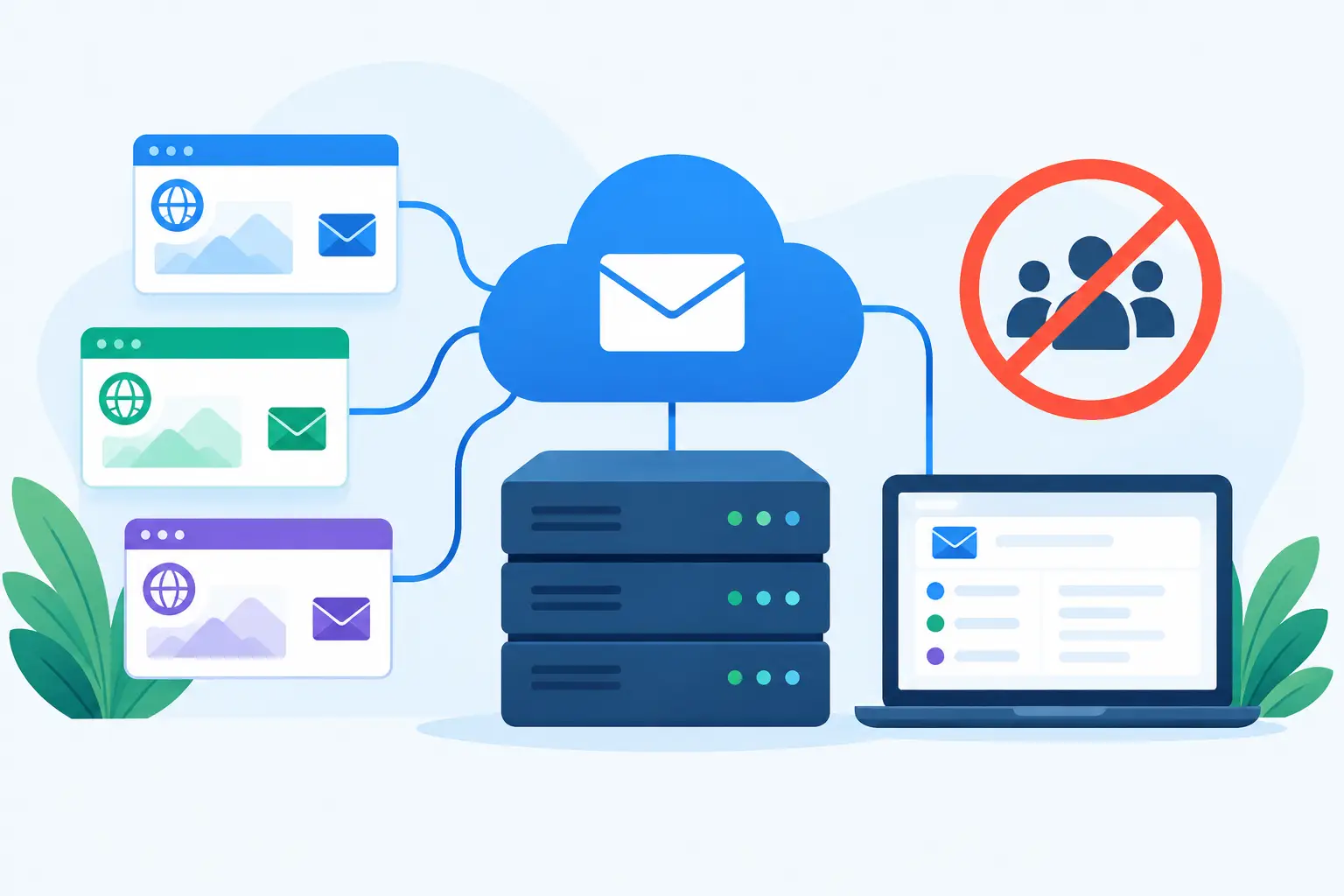
A second domain should not trigger a second software subscription. Yet that is how business email is commonly sold: add a brand, acquire a company, start a side project, or create a family domain, and the bill grows with every user. Email hosting multiple domains is a simpler model. One email account can operate mail for every domain you control, with addresses organized around people and purposes instead of vendor pricing rules.
That matters when email is infrastructure. A consultant may use one domain for client work and another for a personal portfolio. A small company may keep its original domain after a rebrand. A family may want permanent addresses that are not tied to an internet provider. None of these cases require a 50-seat enterprise suite.
What multiple-domain email hosting actually means
Multiple-domain hosting means a single email service accepts mail for more than one domain. You can create mailboxes, aliases, forwarding rules, and catch-all addresses across those domains, then access the mail through webmail or a standard email client.
The key distinction is between a mailbox and an address. A mailbox is where mail is stored. An address is where mail can arrive. One person might have a mailbox called alex, then receive mail sent to alex@northwind.com, alex@northwindstudio.com, billing@northwind.com, and several project-specific aliases. There is no technical reason those addresses need separate inboxes or separate paid seats.
This setup also lets a team keep responsibilities clear. Messages sent to support@ can go to a shared mailbox or be forwarded to the people covering support. Messages sent to invoices@ can land in an accounts mailbox. When a contractor leaves, remove their access without retiring the public address that customers already know.
It is not magic, though. Each domain still needs its own DNS configuration. Mail delivery relies on records that tell other servers where to send mail and how to verify that messages are legitimate. The good news is that the work is usually a one-time setup per domain, not ongoing administration.
Why per-seat pricing breaks down
Per-user billing makes sense for a collaboration suite where every employee receives cloud storage, video meetings, office applications, and administrative tooling. It is a poor fit when the requirement is straightforward custom-domain email.
Consider a five-person studio with three domains: its current name, an older name that still receives client mail, and a domain for a new product. It may need 15 or 20 useful addresses across those domains, including aliases, role accounts, and temporary project addresses. Charging for every mailbox either forces the studio to pay for addresses nobody actively logs into or encourages awkward workarounds such as shared passwords and overused catch-all inboxes.
A flat account price changes the decision. You can create an address when it has a purpose, not when it survives a budget review. That is especially useful for families, nonprofits, and small organizations with changing volunteers or seasonal projects.
The trade-off is storage. A fair low-cost model has to account for the resource that actually grows: stored mail. A pooled storage allowance works well because one archive-heavy mailbox can use more space while several light-use mailboxes use very little. If storage grows, paying for additional gigabytes is more honest than charging every person the same fee regardless of usage.
Plan your domains before creating addresses
Start by listing the domains you own and what each one is for. Do not add a domain merely because you might someday use it. Every live mail domain should have a clear owner, working DNS, and a reason to receive mail.
For each domain, decide whether it is primary, legacy, brand-specific, or defensive. A primary domain handles normal person-to-person correspondence. A legacy domain preserves old addresses after a rename or acquisition. A brand-specific domain may need distinct public-facing addresses but can still share the same underlying mailboxes. A defensive domain might only need forwarding or a catch-all to prevent misdirected mail from disappearing.
Then map addresses to real workflows. Give individuals named addresses. Use role addresses such as hello@, support@, and billing@ only where someone is responsible for them. Aliases are usually better than creating standalone mailboxes for addresses that one person manages. A standalone mailbox is appropriate when a shared team needs its own history, access controls, and retention rules.
Catch-all addresses deserve more caution. They collect mail sent to any address that does not already exist on a domain. That can save you from missed messages caused by typos and lets you use unique addresses for services. It can also attract more spam because every guessed address is accepted. Use a catch-all where the convenience is worth it, then filter aggressively and review it periodically.
Set DNS correctly once
A domain cannot receive reliable mail until its DNS records are in place. The exact values come from your email host, but the jobs are consistent. MX records route incoming mail. SPF identifies servers allowed to send on the domain's behalf. DKIM adds a cryptographic signature to outgoing messages. DMARC tells receiving providers how to handle messages that fail authentication and gives you reporting visibility.
Do not treat SPF, DKIM, and DMARC as decorative checkboxes. They are part of whether mail from your domain lands in an inbox or is treated with suspicion. They also reduce the chance that someone can impersonate your domain.
The practical order is simple: add the domain in your email account, publish the requested DNS records at your registrar, wait for verification, and test both incoming and outgoing mail. Send messages to major providers, reply from different clients, and confirm that the From address is correct. If your provider offers live DNS verification, use it. It catches small but consequential errors such as a duplicate SPF record or a missing DKIM value.
Keep mailboxes portable and administration boring
The best multiple-domain setup does not require everyone to change how they read email. IMAP support matters because it works with established desktop and mobile clients. JMAP is useful for modern clients and applications that want a cleaner protocol. Webmail matters when you are traveling or setting up a new device. These are standards-based options, not a reason to lock your archive into one vendor's app.
Portability matters just as much when you leave. Before choosing a provider, ask whether it can migrate mail from a normal IMAP account and whether you can later export or copy your archive elsewhere. Some large providers make password-based migration difficult or restrict the ways third-party tools can access mail. Their ecosystems can be useful, but the friction is real when email has accumulated for a decade.
For administrators, access should be deliberate. Require two-factor authentication, use app passwords for older mail clients, and remove unused credentials when a device or employee is gone. Create separate administrator accounts rather than passing around one shared login. If you manage several domains, document who controls the registrar account as carefully as you document who controls the email account. Losing access to DNS is often more damaging than losing access to one mailbox.
Automation can reduce repetitive work for developers and small operations teams. A direct administrative API can create domains, mailboxes, aliases, forwarding rules, filters, and migration jobs without a manual control-panel routine. That is valuable when new client domains are added regularly, but it is not a requirement for a family domain or a three-person firm. Buy the complexity you will actually use.
Choose a provider based on the work, not the suite
A provider should make its pricing and constraints plain. Ask whether additional domains, mailboxes, aliases, and catch-all addresses cost extra. Check what storage is included, what more storage costs, and whether IMAP migration is available. Confirm that domain verification, filtering, and authentication are included rather than reserved for a higher tier.
Also ask what the service is not for. Transactional and bulk email have different delivery patterns from personal and business correspondence. Newsletter sending from a shared mailbox platform can harm deliverability for everyone, so a provider that prohibits bulk email is setting a useful boundary, not withholding a basic mailbox feature.
FranklyMail takes the infrastructure approach: $9 per year covers unlimited mailboxes, domains, aliases, and catch-all addresses, with 10 GB of pooled storage and additional storage priced at $0.40 per GB per year. That will not replace Google Docs, Meet, or Microsoft 365. It is for domain owners who want email without being charged again every time they create a useful address.
The practical test is straightforward: can you add a domain, route its mail correctly, create the addresses people need, and move archives without a sales call or a pricing surprise? If the answer is yes, your domains can grow with your work instead of turning into a collection of expensive exceptions.