A Self Hosted Email Alternative Without the Server
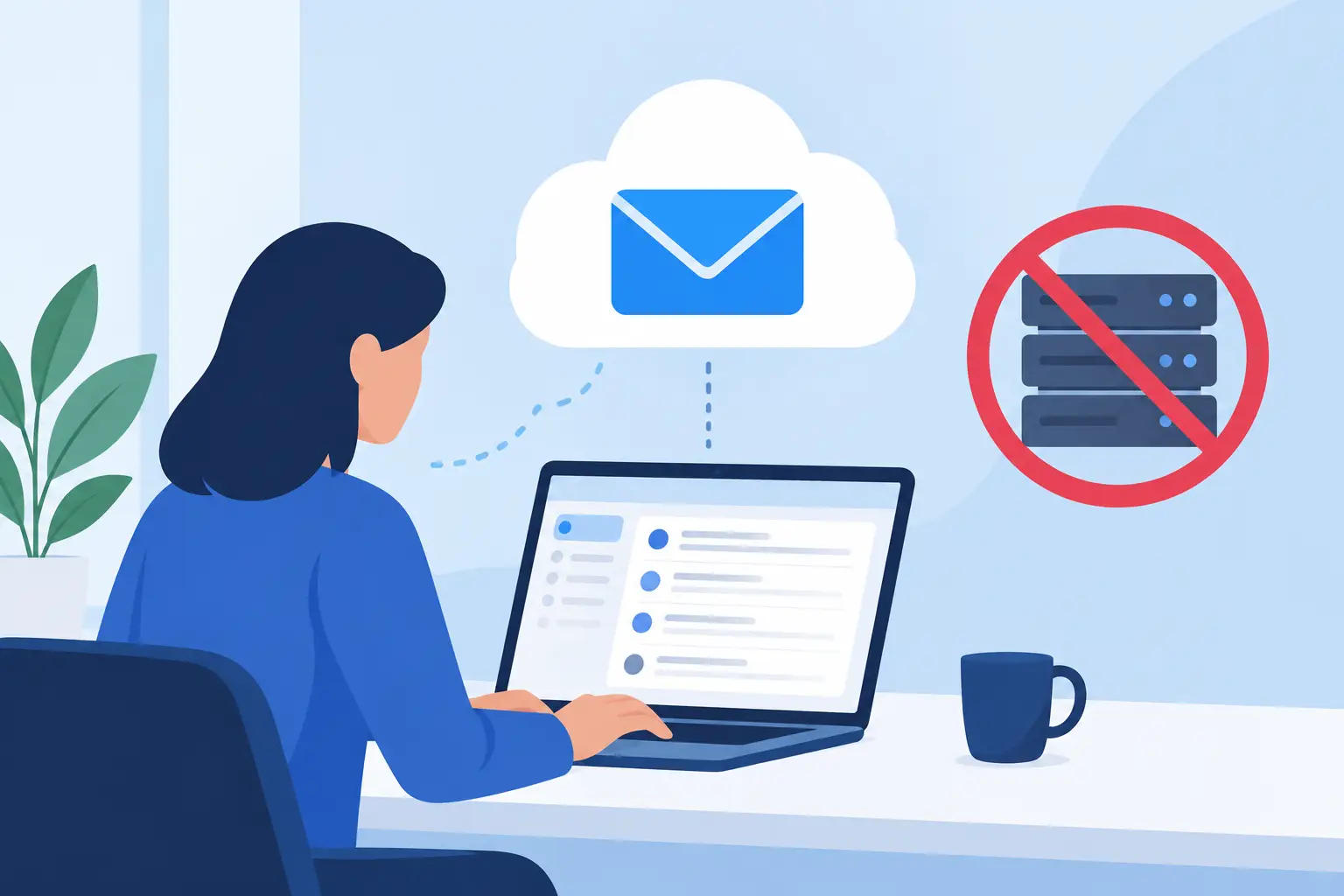
Running your own mail server sounds like the obvious way to control email. You own the domain, choose the software, and avoid another monthly software bill. But a self hosted email alternative can preserve the parts worth owning - your addresses, your data access, and your ability to leave - without making you responsible for spam reputation at 2 a.m.
That distinction matters. Email is not just storage and an SMTP daemon. It is a public-facing service judged continuously by Gmail, Microsoft, Yahoo, corporate filters, blocklists, and recipients who will never tell you why a message disappeared. Hosting it yourself is possible. For most domain owners, it is also a poor trade when a focused provider can handle the operational burden for less than the cost of a single business-email seat.
What People Actually Want From Self-Hosted Email
“Self-hosted email” often means several different things. Some people want no vendor access to their mailbox data. Some want to avoid per-user pricing. Others need unlimited aliases, control over their own domain, or a clean way to move mail if a provider changes prices or policies.
Those are reasonable goals, but they do not all require operating Postfix, Dovecot, spam filtering, backups, TLS certificates, DNS records, and a monitoring stack yourself. The real question is not whether a server is in your rack or cloud account. It is whether you retain practical control.
A useful self hosted email alternative should let you use your own domain, access mail through standard protocols such as IMAP, export or migrate your archive, and configure addresses without asking sales for permission. It should not turn a family of five, a tiny agency, and a 50-address organization into three separate enterprise procurement problems.
The Hidden Work of Operating a Mail Server
The software is the easy part. You can install a capable mail stack in an afternoon. Keeping it trustworthy is where the work begins.
First, outgoing mail needs a clean and stable sending reputation. A new VPS IP may have a bad history before you ever send a message. Residential connections are often unsuitable, and cloud IP ranges can receive extra scrutiny. You need correctly configured reverse DNS, SPF, DKIM, and DMARC. You need to watch bounce patterns and know what changed when mail starts landing in spam.
Second, inbound mail needs constant defensive maintenance. Spam filters, malware scanning, rate limits, authentication logs, and software updates are not optional once your address is public. A misconfiguration can turn your server into an open relay or expose an account to password attacks. Even if you enjoy infrastructure work, email failures are unusually personal: invoices are missed, password resets vanish, and a customer assumes you ignored them.
Third, backups are not the same as availability. A backup can restore data after a failure, but it does not help when your server is down during a travel day or a DNS mistake interrupts delivery. Redundancy, monitoring, and tested recovery procedures add cost and complexity quickly.
None of this means self-hosting is wrong. It can make sense for organizations with existing operations staff, specialized compliance requirements, or a genuine reason to keep mail inside their own environment. It is less compelling when the project exists mainly to avoid paying $6 to $30 per user each month.
The Better Boundary: Own the Domain, Outsource the Operations
For most small organizations, the practical middle ground is simple: own the domain and keep email portable, while paying someone else to operate the mail infrastructure.
Your domain is the durable identity. It appears on business cards, invoices, sign-in flows, and years of correspondence. The provider behind it should be replaceable. If you can change MX records, migrate mail over standard IMAP, and recreate mailboxes and aliases without rebuilding your business, you have meaningful leverage.
This is also why standards matter more than a polished proprietary app. A provider with great webmail is useful. A provider that only works through its own app creates a different kind of lock-in. IMAP remains broadly supported by desktop and mobile clients, while JMAP offers a modern option for compatible tools. Sieve filtering lets you keep server-side rules portable in a way that one-off automation menus do not.
Privacy has a practical side here too. A provider can protect mail well while still giving you ordinary client access, app passwords for older applications, and two-factor authentication for account security. You should not have to choose between a usable mailbox and a walled garden.
Price Email for Resources, Not Headcount
Per-seat billing is convenient for vendors because email addresses multiply. It is not always aligned with how small organizations work.
A family may want individual addresses, a shared household address, aliases for schools and utilities, and a catch-all for a domain. A founder may need addresses for billing, support, legal notices, each product, and temporary projects. A small team may add contractors or role accounts without wanting another recurring approval cycle.
None of those addresses necessarily adds meaningful operational cost. Storage and active use do. Charging for every mailbox encourages people to share credentials, delete useful role addresses, or route everything through one overloaded inbox just to control a monthly bill.
A flat annual model changes the calculation. FranklyMail charges $9 per year for unlimited mailboxes, domains, aliases, and catch-all addresses, with 10 GB of pooled storage included. Extra storage is $0.40 per GB per year. That is not magic, and it does not include a document suite, video meetings, or a large proprietary collaboration platform. Google includes more surrounding tools; Microsoft 365 may fit organizations already standardized on Office. But if you need dependable custom-domain email, paying for the actual infrastructure is often the cleaner deal.
What to Check Before Choosing an Alternative
Do not judge an email provider from a feature grid alone. Test whether it gives you a workable exit and a predictable operating model.
Start with domain control. You should be able to use a domain registered elsewhere and receive clear DNS instructions for MX, SPF, DKIM, and DMARC. A provider that verifies those records as you configure them saves time and reduces the chance of a small typo becoming a deliverability problem.
Then look at migration. Standard IMAP-to-IMAP migration is unglamorous, but it is useful because it works across many existing providers. Be realistic about restrictions: some providers, including Proton, limit password-based IMAP access unless you use their bridge software, and some migration paths need local client participation. The right provider should explain those limits plainly rather than promising a one-click move that only works in ideal conditions.
Check how accounts are administered. Small teams may be fine using a web control panel. Developers and automation-heavy organizations may need an API for creating domains, mailboxes, aliases, forwarding rules, filters, and migrations. That is especially useful when an AI agent or internal workflow needs to create a new address for a project without manual copying and pasting.
Finally, ask what the provider does not allow. Bulk newsletter sending from a normal mailbox is a bad fit for shared email infrastructure and can damage deliverability for everyone. Transactional or marketing mail should use a service built for that job. A provider that says no to bulk sending is setting an operational boundary, not withholding a bonus feature.
A Practical Setup Path
Moving away from self-hosting, or avoiding it in the first place, does not need to be a weekend-long project. Keep the old service active while you prepare the new one. Add your domain, publish the required DNS records, and wait for verification. Create mailboxes, aliases, role addresses, and catch-all behavior before changing where new mail is delivered.
Migrate the existing archive next. For a large mailbox, start early and let the initial copy run before your final cutover. Then update MX records, test inbound and outbound mail from several providers, and send a message to a Gmail or Outlook address to check presentation and authentication. Keep the old mailbox available briefly for stragglers, then cancel it only after you are comfortable that nothing was missed.
The goal is not to make email exciting. The goal is to make it boring, owned by your domain, accessible through normal tools, and cheap enough that creating the right address never becomes a budgeting exercise.