Automated Account Provisioning Example for Email
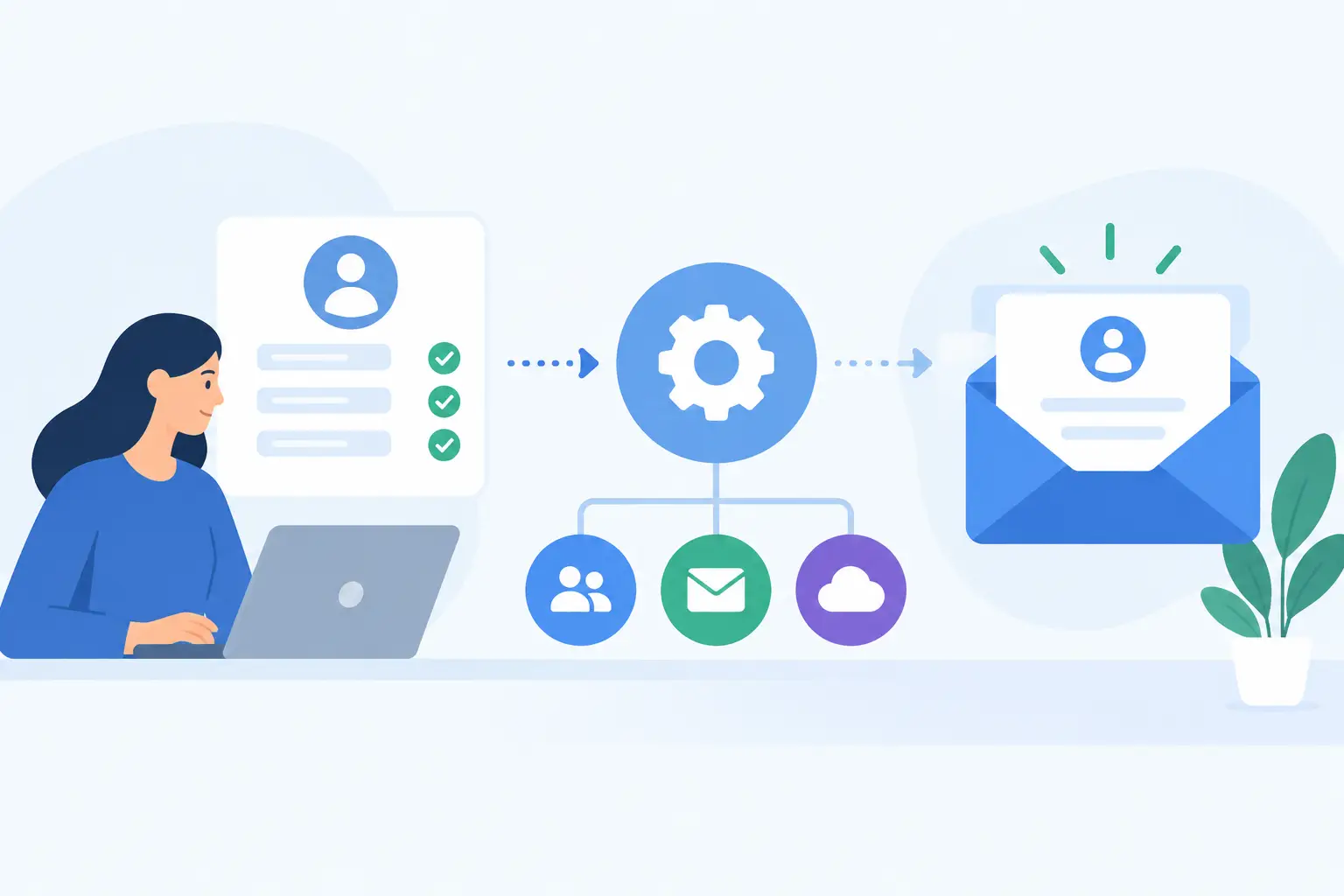
A new contractor starts Monday. They need a real address before the first client call, an alias for a project inbox, access on their phone, and a clean exit path when the contract ends. Doing that from an admin screen is fine once. Doing it repeatedly is how small teams end up with forgotten accounts, inconsistent naming, and invoices that grow every time someone joins.
This automated account provisioning example shows a practical workflow for custom-domain email. It is aimed at teams that already have a source of truth for people - an HR system, a contractor database, a membership app, or even a carefully maintained spreadsheet - and want email to follow that data instead of becoming a separate manual process.
What account provisioning should actually do
Provisioning is not merely creating `name@company.com`. A useful workflow creates the mailbox, applies the right aliases and access rules, records what happened, and gives the person a safe way to sign in. It should also handle the less exciting half of the lifecycle: role changes, name changes, temporary leaves, and offboarding.
For a five-person business, the goal is not enterprise identity theater. You probably do not need a six-month SSO project to create a mailbox reliably. You do need a repeatable process that prevents a former freelancer from retaining access to customer email because someone forgot one checkbox.
The workflow depends on your identity source. A company with employees in an HR platform may trigger an automation from a "started" event. A software business might create mailboxes when an administrator approves a user in its internal app. A family organization may run a small script after adding a person to a household list. The technical pattern is the same: one authoritative record causes one controlled change in email.
An automated account provisioning example
Suppose a 12-person design studio uses `northstarstudio.com`. Its internal people directory stores each person's legal name, preferred display name, department, manager, start date, and employment status. When status changes to `active`, an automation runs.
First, it validates the data. Email local parts need a naming rule before automation begins. The studio uses first initial plus last name, so Jordan Lee becomes `jlee@northstarstudio.com`. If that address already exists, the workflow does not guess. It stops and sends an admin task to choose a suffix such as `jlee2`. Guessing is convenient until two people receive mail intended for the other.
Next, the automation checks that the domain is active and its mail DNS records are still valid. This is particularly useful for organizations that manage several brands or client domains. There is no point creating a mailbox on a domain that cannot receive mail because an MX record was removed during a website change.
After those checks, the automation creates the mailbox through the email provider's administrative API. At FranklyMail, the direct HTTP API is designed for this kind of administrative work: creating mailboxes, aliases, forwarding rules, filters, domain settings, and migration workflows without clicking through each account by hand.
The workflow then adds `jordan.lee@northstarstudio.com` as an alias because clients are more likely to type it correctly. It also grants Jordan an address at `projects@northstarstudio.com` only if that is a real responsibility, rather than handing out a shared password for a shared inbox. The people directory is updated with the mailbox ID, primary address, aliases, creation time, and the automation run ID.
Finally, Jordan receives an invitation through a pre-approved personal contact method. The invitation should lead to password setup and two-factor authentication enrollment. Do not send a permanent password by email, chat, or an onboarding document. If an app cannot use the main password, create an app password with a clear label and revoke it when the device or integration is no longer needed.
The workflow in plain pseudocode
```text when person.status changes to "active": validate name, personal contact, department, and start date address = create_address(person.preferred_name, person.last_name)
if address is already assigned: create admin review task stop
verify domain is active and mail DNS is healthy mailbox = create mailbox(address, display_name, department) add approved aliases(mailbox, person) require password setup and two-factor authentication record mailbox ID and run ID in people directory send onboarding invitation ```
The API calls are usually the easy part. The decisions before and after them determine whether the automation is safe. A script that can create accounts must not be able to create unlimited accounts because a badly formatted import marked 800 archived records as active.
Make the automation safe to run twice
Every provisioning workflow should be idempotent. That means the same event can run twice without producing two mailboxes, duplicate aliases, or two welcome messages.
Use a stable external identifier from your people system, not just the email address. Store it alongside the mailbox record. Before creating anything, look up that identifier. If a previous run already created the mailbox, verify that the requested settings match and finish successfully rather than creating another account.
This matters because webhooks retry, network requests time out, and administrators sometimes press the button twice. A timeout after the provider creates an account does not mean the account was not created. Your automation needs to check before it retries.
Keep a small audit log as well. Record who or what triggered the action, which source record was used, the changes requested, the result, and any provider response ID. That log is more useful than a vague "automation failed" notification when someone asks why an address exists.
Treat aliases, groups, and forwarding differently
These are often lumped together, but they solve different problems. An alias delivers mail to one mailbox. A shared or role address can deliver to several people. Forwarding moves a copy or all messages to a different destination.
For personal identities, aliases are usually the cleanest choice. They let someone receive `jordan@`, `jlee@`, and a former-name address in one mailbox without paying for or maintaining three separate accounts. Role addresses such as `billing@` or `support@` need more care because ownership changes over time.
Avoid automatic external forwarding by default. It can create privacy problems, complicate deliverability, and leave business mail in an unmanaged personal inbox. If you use forwarding during a transition, set an expiration date and log the destination. For shared responsibilities, a role mailbox or deliberate multi-recipient routing is generally easier to audit.
Offboarding is part of provisioning
The same source record that creates an account should eventually disable it. When a worker's status changes to inactive, immediately block sign-in and revoke app passwords. Preserve the mailbox for a defined retention period, then decide whether to archive, delete, or transfer its contents based on your actual legal and operational needs.
Address handling deserves a separate decision. Keeping `jlee@northstarstudio.com` as a permanent alias to a manager may prevent missed client messages, but it also means another person sees mail intended for Jordan. A better default is a time-limited auto-reply that names the new contact, followed by a carefully chosen redirect for addresses that are genuinely business roles.
Do not quietly reuse a departed person's address for a new hire. Old login resets, confidential messages, and customer habits can follow that address for years. Creating a fresh address costs little compared with explaining a privacy incident.
Start small, then automate the exceptions
A direct API makes it possible to automate email administration, but not every exception belongs in code on day one. Start with new active people, a predictable naming rule, two-factor enrollment, and a reliable offboarding trigger. Add department aliases, migrations, and approval flows once the basic records are accurate.
For small teams, this is where flat mailbox pricing changes the conversation. If creating an address does not add another per-seat charge, you can make sensible operational choices: separate role mailboxes, project addresses, and temporary contractor accounts instead of forcing unrelated work into one shared inbox.
The useful test is simple: could another administrator see why an account exists, who owns it, and what will happen when that person leaves? If the answer is yes, your email setup is acting like infrastructure rather than a pile of one-off admin work.