Email Aliases Across Multiple Domains Explained
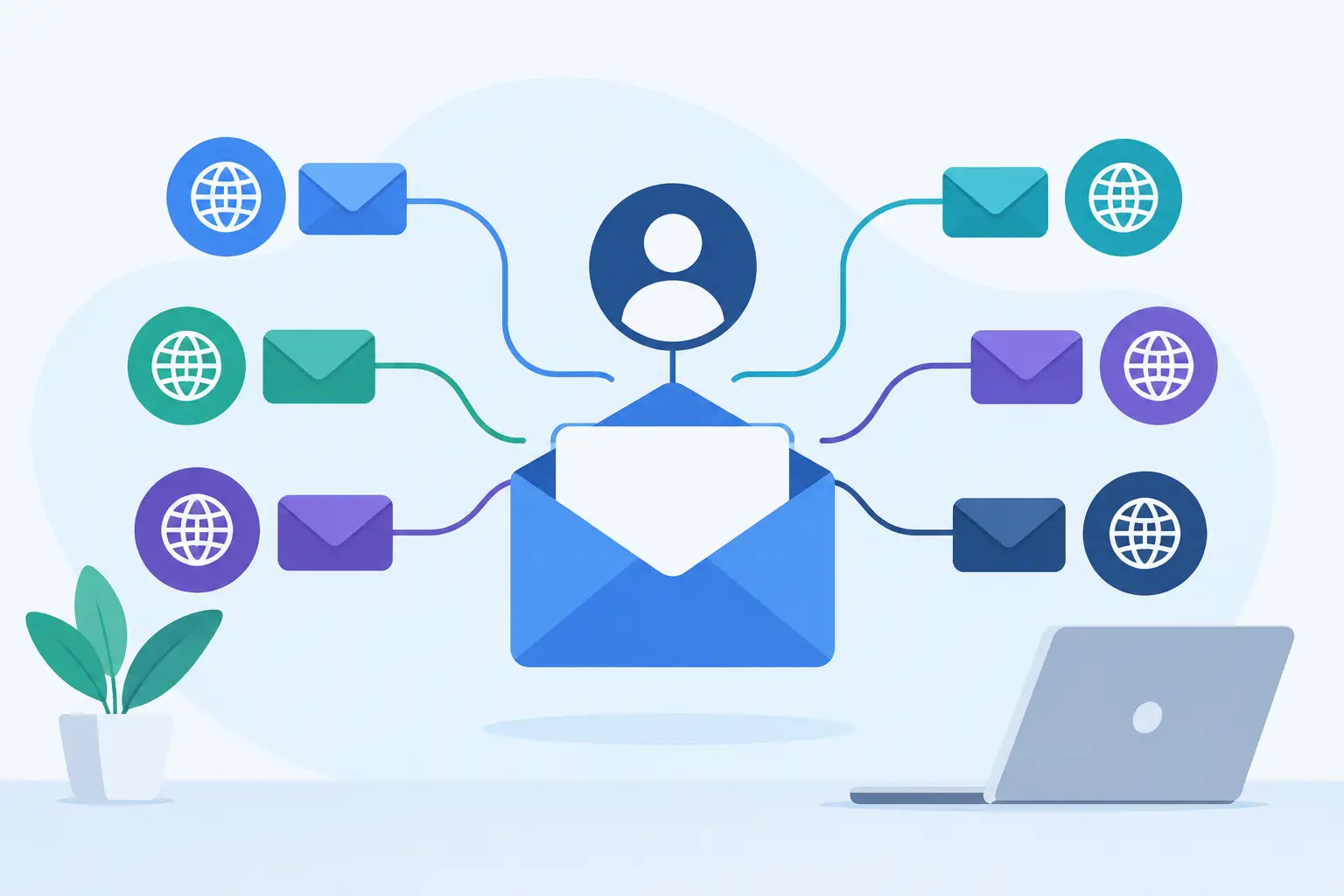
A second domain should not mean a second inbox, a second subscription, or a confusing workaround. Email aliases across multiple domains let one person receive and send mail for the names they actually use: a company, a side project, a family domain, or a customer-facing brand.
That sounds simple because the basic idea is simple. The details matter, though. An alias can be a personal address, a shared receiving address, or an address used only when sending. Each solves a different problem. Choosing the wrong kind can leave people missing messages, replying from the wrong identity, or sharing a password they should never need to share.
What email aliases across multiple domains mean
An email alias is an additional address that delivers mail to an existing mailbox. For example, Maya may have maya@northstar.com as her main mailbox, while maya@northstarstudio.com and maya@northstarfamily.com are aliases. She signs in once and reads messages sent to all three addresses in the same place.
Multiple domains are the useful part. A domain is the portion after the @ sign, such as northstar.com. A freelancer may use one domain for consulting and another for a product. A family may keep a shared surname domain while a parent also runs a small business. A growing company may own its main name, a shorter name, and a separate domain for a new brand.
Without aliases, each domain can turn into a separate mailbox. That creates more passwords, more storage plans, and more places for messages to be overlooked. With aliases, the address can change without forcing the person behind it to manage another account.
An alias is not necessarily a new person, and it is not a separate inbox with its own independent storage. It is an address that routes mail somewhere you already manage. That distinction makes aliases a good fit for identity and organization, but less suitable when two people need to work the same conversation together.
Start with the people, then add the addresses
The cleanest setup begins with real mailboxes for real people. Give each family member or teammate their own login and mailbox. Then add aliases based on the roles, brands, and domains that person needs to represent.
A founder might have alex@maincompany.com as a mailbox, with alex@newbrand.com and alex@foundername.com as aliases. Customers can use the address that makes sense to them. Alex can keep one archive and one calendar identity, rather than checking three accounts before a meeting.
This approach also keeps access clear. If a contractor stops working with the company, remove their aliases or mailbox access. You do not need to untangle a shared login that several people have used. For families, it means each person can have a private mailbox while still receiving messages sent to an old address or a second family domain.
There is a trade-off. If each domain represents a legally separate business with separate staff, billing, and policies, putting everything into one organization may not be appropriate. One account should represent one household or organization, not a collection of unrelated customers or resale mailboxes.
Receiving mail is only half the decision
Many people create aliases to receive messages and later discover they also need to reply from them. Receiving and sending are separate choices.
A receiving alias is enough when an old address forwards into a current mailbox, or when a project address exists mainly for incoming questions. A sending alias matters when the reply should come from the same brand or role the sender contacted. If someone emails hello@cedarandco.com and receives a response from alex@anotherbusiness.com, it can look careless even when the answer is prompt and helpful.
Ordinary sending aliases let one mailbox send as another address it owns. Cross-domain sending aliases extend that idea to addresses on a different domain within the same organization. This is especially useful when one person runs communications for more than one brand.
Before making an address send-capable, think about reputation and expectations. A support address should send support replies. A personal address should not quietly become the default sender for marketing or high-volume mail. Bulk and newsletter sending need a service designed for that work, not a regular business mailbox.
Shared aliases work differently from shared inboxes
Some addresses belong to a group rather than one person. Think hello@, billing@, school@, or family@. A shared alias can send an independent copy of each incoming message to several individual mailboxes. Each recipient sees the message in their own inbox and can respond using their own workflow.
That is practical for a small team that wants both owners to see inquiries, or a family that wants two adults to receive messages from a school. It also avoids the awkwardness of passing around a shared password.
But independent copies are not the same as a shared inbox. They do not provide a shared read state, reply assignment, or a built-in indication that someone else has handled the message. Two people can answer the same inquiry unless the team agrees on a process. For low-volume addresses, a quick internal message may be enough. For busy support operations, a dedicated help desk may be the better tool.
At FranklyMail, a shared alias can deliver independent copies to up to 50 mailboxes. Shared aliases can also be used for sending in webmail. That is useful for a small organization, but it is worth setting clear ownership for addresses such as sales@ or accounts@ before messages start arriving.
Keep the domain setup consistent
Aliases do not remove the need to configure each domain correctly. Every domain that receives or sends mail needs its own DNS records. DNS is the public set of instructions that tells other mail systems where to deliver mail and how to verify messages from your domain.
For email, the key records are usually MX, SPF, DKIM, and DMARC. MX directs incoming mail. SPF identifies which services may send mail for the domain. DKIM adds a signature to outgoing messages. DMARC tells receiving systems how to handle messages that fail alignment checks and gives you a way to review reports.
When you add a second or third domain, copy-pasting records without checking them can cause trouble. A record that is valid for one domain may contain the wrong domain name, sender policy, or DKIM selector for another. Follow the setup instructions for each domain and use the provider's checks before announcing a new address.
It also helps to decide whether a domain needs a catch-all address. A catch-all receives mail sent to addresses that do not exist, such as a typo in an employee's name. It can rescue legitimate mistakes, especially during a transition. It can also attract more spam and make it harder to spot misspelled addresses. Use it deliberately rather than treating it as automatic protection.
A practical way to map multiple domains
Write down the domains you own and the purpose of each one. Then map every address to a person or a shared group. This takes a few minutes and prevents years of address sprawl.
For a two-person business, the plan might be straightforward: each person has a named mailbox on the main domain; both receive hello@ and billing@; the founder uses a separate product-domain alias for launch communications. For a family, each person gets a named mailbox, while parent@ and travel@ can reach the adults who need them.
Before switching mail flow, test four things:
- Send a message to every new address from an outside account.
- Reply from each sending alias and confirm the visible From address.
- Check that shared aliases reach every intended recipient.
- Confirm calendar invitations use the address you expect clients or family members to recognize.
If you are moving from another provider, migrate the archive before canceling the old service. Old mail is often where receipts, client decisions, and account recovery messages live. IMAP migration can bring existing mail into the new mailbox, while the alias plan determines where new messages arrive after the change.
Costs should follow usage, not headcount
Per-user pricing makes extra domains and role addresses feel expensive even when they add little technical overhead. It can pressure a small business into sharing accounts or avoiding useful addresses because every new person appears as another monthly charge.
FranklyMail takes a different approach: its mail plan is $9 per year in USD for one organization, with unlimited mailboxes, domains, and aliases, plus 10 GB of pooled storage. There are no per-person fees. Additional storage is $0.40 per GB per year, and tax may apply. The price structure makes it reasonable to give people their own mailboxes and still add addresses for brands, projects, and shared roles.
That does not mean every organization needs dozens of domains. Each domain has renewal costs, DNS records to maintain, and an identity to explain to customers. Use more than one when it solves a real naming, brand, or transition problem. Keep one primary domain when simplicity is more valuable.
The best alias setup is usually quiet. People send mail to the right address, replies come from the expected name, and each person has one place to manage their work. Start with the addresses your household or organization genuinely needs, document who owns them, and add more only when a clear purpose appears.