Email Automation That Keeps You in Control
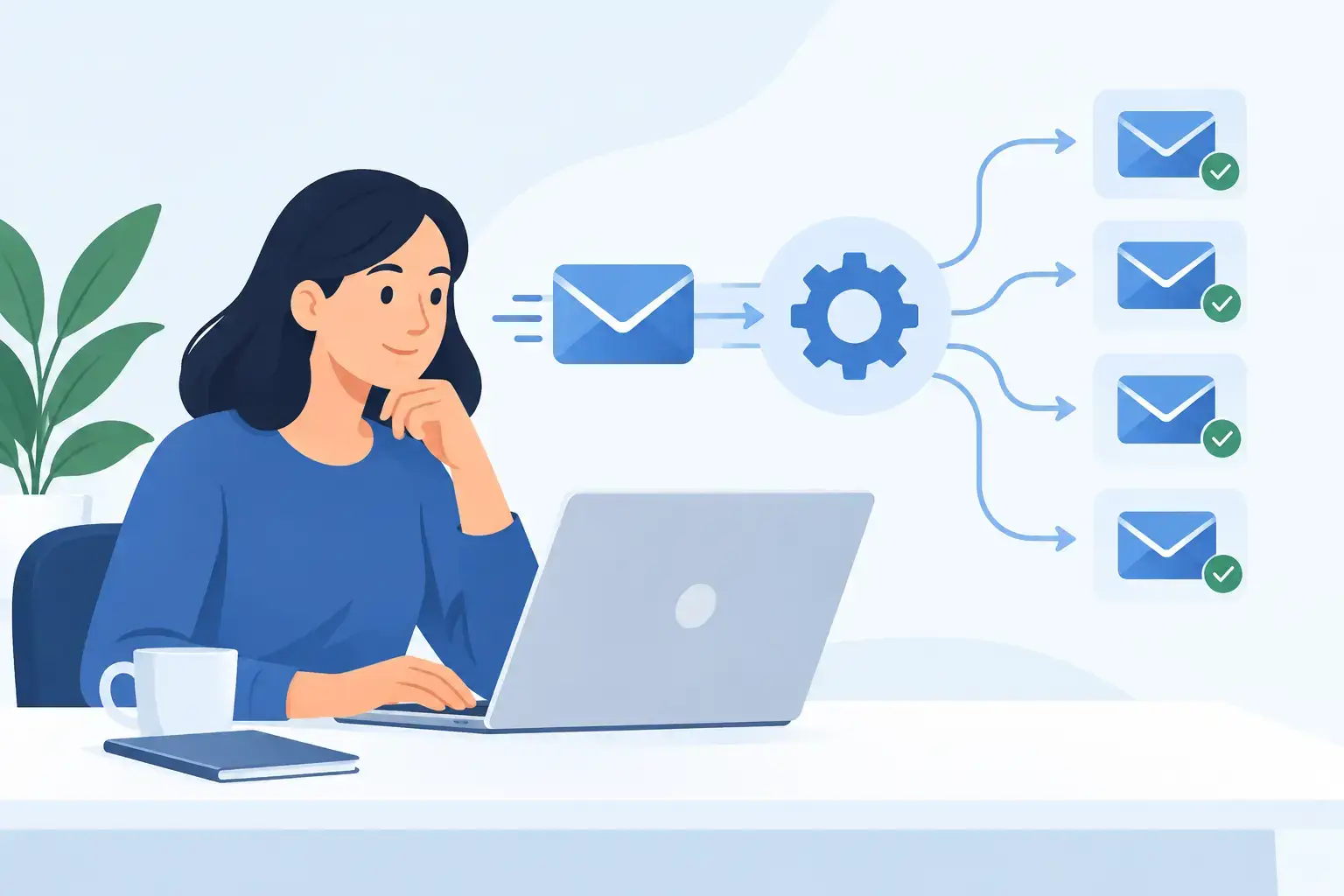
A client asks for an invoice copy at 8:12 a.m. A family member forwards a school form to the wrong address. A new employee needs a project address before lunch. Email automation can handle parts of all three situations, but the useful version does not make decisions nobody can explain later.
The goal is simple: reduce repetitive work while keeping the right person responsible for messages, access, and sending. That matters whether you run one domain for your household or manage addresses for a growing business.
What email automation should do
People often use one phrase for several very different jobs. A mailbox rule that files receipts is automation. A shared address that gives independent copies of a message to several people is automation too. So is an administrative system that creates mailboxes when a new team member joins.
Those jobs have different risks. Filing messages incorrectly can be annoying. Sending a reply to the wrong client can be expensive. Giving an outside tool more mailbox access than it needs can create a problem that no clever filter will fix.
Good automation starts with a narrow, visible task. Route messages with a particular subject to a folder. Forward mail sent to a project alias to the people working on that project. Flag messages that need a response. Draft a reply from the information already in the conversation, then leave the final decision to a human.
That is more useful than building a complicated chain of rules on day one. You need to know what happened, why it happened, and how to change it when the workflow changes.
Start with routing, not auto-replies
The lowest-risk automation usually happens before anyone writes a response. Use folders and filters to keep ordinary traffic out of the main inbox without hiding messages that matter.
For example, a freelancer might file receipts, software notices, and completed booking confirmations into separate folders. A small business could send mail addressed to billing@ to the people who handle billing, while support@ reaches the people who answer customer questions. A family might use a shared alias for school notices, with a separate copy delivered to each parent.
In each case, decide whether everyone needs an independent copy or whether one person should own the mailbox. These are not the same thing. A shared alias distributes mail, but it does not create a shared read status or assign replies. That can be exactly right for a household or a small team, since each recipient can manage their own copy. It can also cause duplicate replies if nobody agrees who is answering.
Use a naming convention before addresses multiply. Names such as invoices@, hello@, and trips@ are easy to remember. Vague names become harder to manage when projects and people change.
Keep rules readable
A filter should pass the plain-English test. If you cannot explain it in one sentence, it is probably doing too much.
“Messages from this vendor with an invoice subject go to Accounts” is clear. “Messages from any sender containing several words, except under six conditions, get forwarded, marked, and moved” is difficult to troubleshoot. Keep a record of rules that forward mail or affect important messages. Review them after a few weeks, especially if someone says they stopped seeing something.
Sieve filters are useful for people who want more precise mailbox rules. They can sort or redirect mail based on conditions you define. The technical detail is optional. What matters is testing a rule with real examples and having a way to turn it off quickly.
Treat AI assistance as a separate workflow
AI-based mailbox tools are often described as email automation, but they should be evaluated differently from filters. A filter follows instructions you set. An AI assistant interprets language and context, which can be helpful for searching old correspondence, organizing a folder, or preparing a draft.
The practical question is not whether an assistant can write an email. It can. The question is whether the task needs judgment. A draft thanking a customer for an inquiry may save time. A reply changing contract terms, confirming payment, or responding to a sensitive family issue deserves careful human review.
FranklyMail's Agentic Inbox is built around that distinction. A mailbox user can authorize Claude or ChatGPT for specific mailbox tasks such as search, reading, folder management, bulk moves, and drafts. Every send still requires that mailbox user's review and approval. It can use ordinary sending aliases, and separately authorized mailboxes can be connected for a user who legitimately needs access to them.
Authorization is not a minor checkbox. The selected AI provider processes the authorized content needed for the task. Use the smallest scope that works, and only connect mailboxes you are entitled to access. An administrator managing addresses is not automatically entitled to read every employee's mail.
It also helps to set expectations inside a team. AI can prepare a reply, but it should not become an invisible spokesperson. Tell people which messages may be drafted with assistance, who reviews them, and which categories are always written by a person.
Automate account work through an API
Mailbox automation and administrative automation solve different problems. A business may need to create an address, add an alias, configure a domain, or begin a migration as part of onboarding. Those are account-management tasks, not reasons to grant software access to the contents of everyone's inbox.
A management API is a better fit when the work is repeatable and tied to your organization’s systems. For example, an internal onboarding process might create a mailbox and required project aliases after a manager approves a new hire. When someone leaves, the process can remove or change access according to the organization’s policy.
Build safeguards before connecting an API to a directory or HR system. Require approvals for irreversible changes, log who made them, and test with a spare domain or test mailbox first. Also account for exceptions. A contractor may need an alias but not a mailbox. A departing employee may need a temporary forwarding arrangement, subject to your policies and local obligations.
Automation is valuable here because it removes repetitive clicks. It is not a substitute for deciding who should have access in the first place.
Use calendar email carefully
Calendar invitations and reminders are another form of useful automation. They reduce back-and-forth because the event, guest list, RSVP status, and reminder live together. For a client call, adding a Meet link to the calendar event gives attendees one clear place to find it.
Still, avoid treating every meeting as an automatic event. A calendar invite communicates a commitment. Check the time zone, guest list, recurrence pattern, and title before sending. A weekly recurring event with the wrong end date can create months of unnecessary reminders.
For families, shared calendars work well for school events, appointments, and travel. For teams, use them for meetings where attendance matters. Not every task needs an invitation. Sometimes an email with a deadline is clearer.
A practical test before you automate
Before enabling any workflow, ask four questions:
- What exact trigger starts it?
- What action will it take?
- Who can see, change, or approve that action?
- How will we notice if it fails or behaves unexpectedly?
If those answers are clear, begin with a small group of messages or one mailbox. Watch the result for a week. Check whether important mail was filed correctly, whether multiple people replied to the same shared-alias message, and whether the time saved is real.
This gradual approach may feel less exciting than wiring everything together at once. It is usually faster in practice. Cleaning up a bad rule, confused permissions, or a poorly chosen auto-reply takes more time than starting with one dependable workflow.
The best email automation is often quiet. It puts the right message in front of the right person, removes a few routine steps, and leaves people in charge when judgment matters.