Why Email Needs DMARC Before Someone Impersonates You
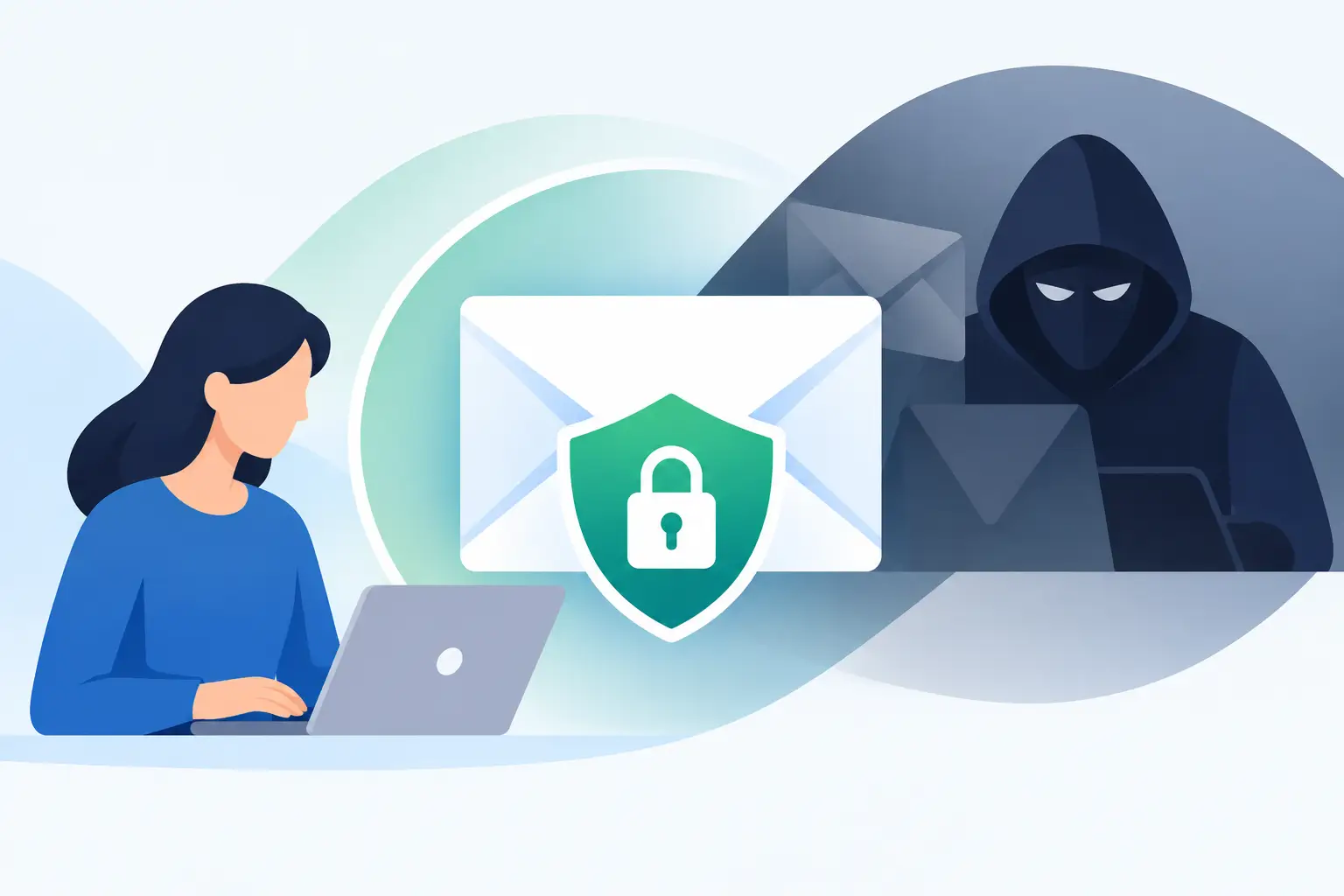
A message from your domain can look completely legitimate while never touching your mail server. That is why email needs DMARC: without it, a criminal can put your domain in the From field, send through their own infrastructure, and rely on recipients to assume the message is real.
For a personal domain, that might mean a fake invoice sent to friends or a password-reset scam aimed at an old contact list. For a business, it can mean payment fraud, fake support notices, or a vendor receiving a request that appears to come from your founder. The technical barrier is low. The reputational cost is not.
DMARC is not a premium security add-on. It is a DNS policy that tells receiving mail systems what to do when a message claims to be from your domain but fails authentication. If you own a domain and use it for email, it belongs in the same basic setup category as MX records, SPF, and DKIM.
What DMARC actually protects
DMARC stands for Domain-based Message Authentication, Reporting, and Conformance. The name is clunky, but the job is straightforward: it gives domain owners control over unauthorized use of their visible From address.
A receiving provider such as Gmail, Yahoo, Outlook, or a corporate mail gateway checks whether the message passes SPF or DKIM and whether the authenticated domain aligns with the domain a person sees in the From field. If it does not, DMARC supplies an instruction.
That instruction can be one of three policies:
- `p=none` asks receivers to accept the message normally while sending reports to the domain owner.
- `p=quarantine` asks receivers to treat failing mail as suspicious, often placing it in spam.
- `p=reject` asks receivers to reject failing mail outright.
The final policy is where DMARC becomes a meaningful anti-spoofing control. A monitor-only record gives you visibility. A reject policy gives recipients a reason to refuse obvious impersonation attempts.
DMARC does not stop every phishing email. A scammer can register a lookalike domain, such as `frankly-maiI.example`, or use a free mailbox that merely resembles your name. It also does not scan attachments or judge whether a message is malicious. What it does stop is the easy version of impersonation: unauthorized messages claiming to be directly from `you@yourdomain.com`.
SPF and DKIM are necessary, but they are not enough
Many domain owners publish SPF and DKIM records and assume the job is finished. Those records matter, but neither one alone tells a recipient what to do when authentication fails for the visible sender.
SPF lists the servers authorized to send mail for a domain. It is useful, but forwarding can break it. When someone forwards a message, the forwarding server may not be included in the original sender's SPF record. SPF also checks the envelope sender, which may be different from the From address shown in a mail client.
DKIM adds a cryptographic signature to a message. Recipients can verify that a signed portion of the email was not changed after it left an authorized system. It tends to survive ordinary forwarding better than SPF, although mailing lists and message modifications can still cause problems.
DMARC ties these checks to the domain people actually see. For DMARC to pass, either SPF or DKIM must pass and align with the visible From domain. Alignment is the part that closes a common gap. A message should not be able to pass authentication based on an unrelated domain while presenting itself as your company.
This is also why copying a generic SPF record from a provider's setup page is not a complete deliverability strategy. Your records need to reflect every legitimate service that sends mail using your domain: your mailbox host, transactional app, support platform, accounting tool, form processor, and any other approved sender.
Why DMARC matters even if you send very little email
Small organizations often assume they are too small to be targeted. In practice, low-volume domains can be attractive because they are less likely to have strict controls and recipients may not recognize normal sending patterns.
A domain used only for a family mailbox, a consulting practice, or a small nonprofit still carries trust. If it appears in a fraudulent message, recipients do not care that the domain has only two users. They see a familiar name and make a decision based on it.
There is also a deliverability reason to publish DMARC. Major mailbox providers increasingly expect senders to use domain authentication. Requirements vary by provider and sending volume, but the direction is clear: authenticated, accountable mail gets better treatment than anonymous-looking mail. DMARC will not guarantee inbox placement, because content, reputation, complaints, and sending behavior still matter. It does remove a basic reason for receiving systems to distrust your domain.
For domains that do not send email at all, DMARC may be even simpler. You can publish a policy stating that no mail should ever come from the domain. That prevents someone from using an unused domain as a disposable spoofing identity.
Start with visibility, not blind enforcement
The right DMARC policy depends on how complicated your sending setup is. A single mailbox provider with no outside senders can often move toward enforcement quickly. A company with several SaaS tools, old mailing platforms, and departments that buy software independently needs more care.
Start by confirming that every legitimate sender has working SPF or DKIM, preferably DKIM. Then publish a DMARC record with `p=none` and an address for aggregate reports. These reports are machine-readable XML files, not friendly daily summaries. They show which systems are sending mail that claims to be from your domain, whether those messages pass authentication, and how major receivers handle them.
The reporting address needs to be monitored, either directly or through a reporting tool. A DMARC record that nobody reviews is better than no record for future enforcement, but it will not reveal the systems you forgot about.
Do not treat report failures as proof of an attack. They may reveal a legitimate tool configured with the wrong From address, an old copier sending scans through a legacy service, or a vendor sending on your behalf without proper authentication. That is the point of the monitoring phase: find the exceptions before recipients do.
Moving from monitoring to reject
Once reports show that legitimate mail is passing and aligned, move deliberately. You can begin with `p=quarantine` and use the `pct` tag to apply the policy to only a percentage of failing messages. Then increase the percentage as you confirm that nothing legitimate is being caught.
A typical path is monitor, quarantine at a small percentage, quarantine fully, then reject. It is not the only path. If your sending environment is simple and verified, you may choose to move faster. If your domain has years of unknown tools attached to it, stay in monitoring longer.
Be careful with two common edge cases. First, third-party services often send using their own infrastructure but display your domain in the From address. They need aligned SPF or DKIM, not merely permission to send from somewhere. Second, subdomains may have different mail uses than the main domain. A marketing subdomain, transactional subdomain, and primary employee email domain can each need their own policies and records.
DMARC policies also have an organizational-domain effect. A policy on `example.com` can influence subdomains unless those subdomains publish their own DMARC records. That can be useful, but do not assume it covers every special-purpose sender without checking.
The practical DNS setup
At its simplest, DMARC is a TXT record at `_dmarc.yourdomain.com`. A basic monitoring record might look like this:
`v=DMARC1; p=none; rua=mailto:dmarc-reports@yourdomain.com`
An enforced policy might look like this:
`v=DMARC1; p=reject; rua=mailto:dmarc-reports@yourdomain.com; adkim=s; aspf=s`
The `adkim=s` and `aspf=s` settings request strict alignment. Strict alignment can be appropriate when you control a clean, simple setup, but relaxed alignment is often easier for domains using multiple established services. This is not a contest to produce the strictest possible record. The goal is to reject unauthorized mail without rejecting your own.
Your email host should make this less mysterious. FranklyMail, for example, verifies MX, SPF, DKIM, and DMARC readiness so you can see whether the DNS foundation is in place before treating a policy as finished. Verification is useful, but it does not replace reviewing every service that sends as your domain.
DMARC is ownership made visible
Custom-domain email gives you a durable address that is not tied to a social platform, an employer, or a free mailbox provider. DMARC is part of taking responsibility for that address. It tells the rest of the email ecosystem that you know which systems may speak for your domain and that unauthorized systems should not be trusted.
Set up SPF and DKIM first, monitor the reports long enough to understand your real sending footprint, then enforce a policy that matches it. The best time to discover an unapproved sender is in a report, not after a customer forwards you a convincing fake email with your name on it.